How It Works: Send Plans in the Evening, Get Clean Sets by Morning
A simple five-step process with a fixed quote before work starts, drafting inside your own template, and a checked PDF set plus native DWG files at delivery.
Built around your deadline, not ours
Most drafting delays come from unclear inputs and surprise pricing. Our process removes both. You send your plans and the standards your office already uses. We confirm one fixed quote in writing before a single line is drawn. Then we draft the full set inside your template, check it against your checklist, and send it back ready for your review.
Standard turnaround is 24 to 48 hours per set, based on size. Many sets move faster through the overnight workflow: files sent by your US evening are drafted during our workday and sit in your inbox the next US morning. You keep full control of the set, because every sheet carries your title block, your layers and your symbol legend.
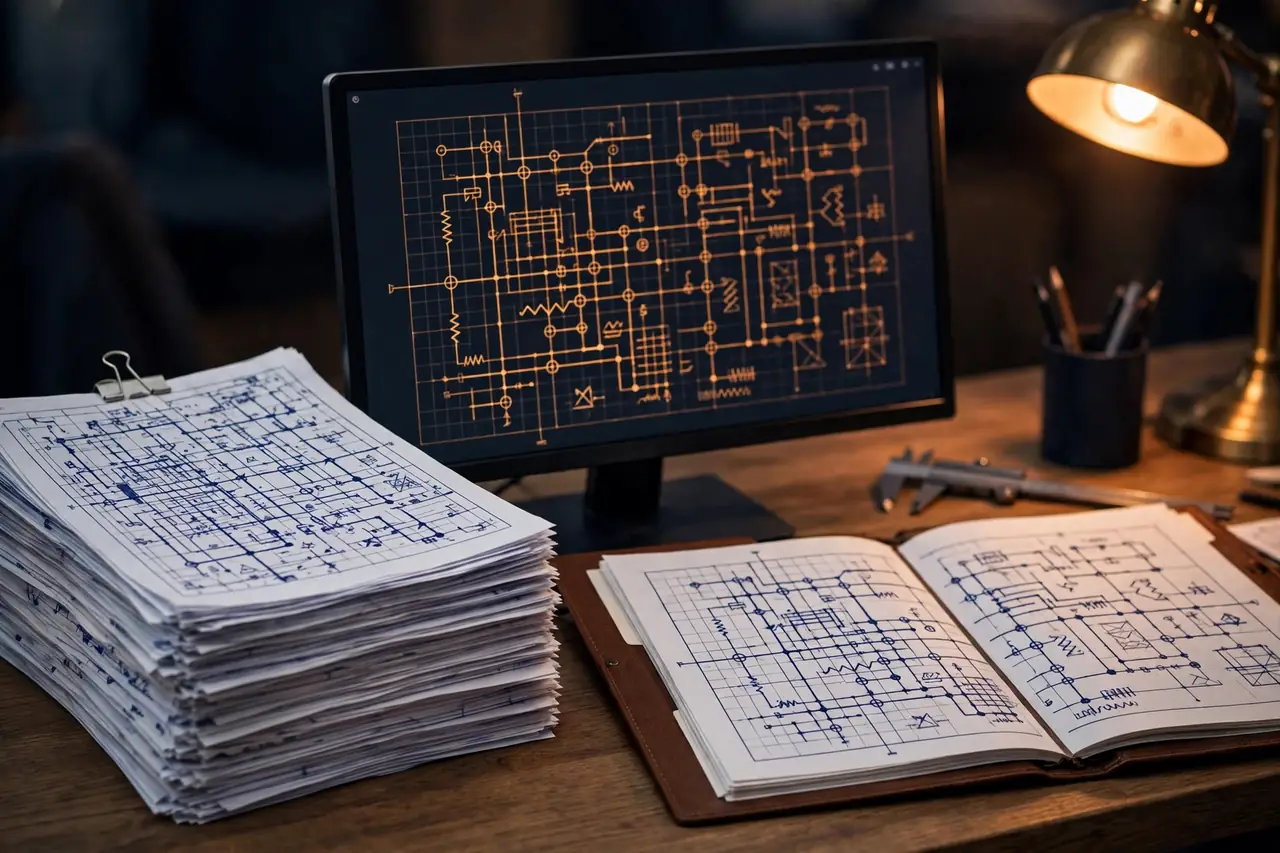
The five steps, start to finish
Every project, large or small, follows the same path. Nothing starts without your approved quote, and nothing ships without an internal check.
Send plans & your standards
Send the plans, sketches or markups, plus your title block, layer standards, symbol legend, the NEC edition your project uses (2020 or 2023), and your AHJ checklist if you have one. The more complete the pack, the faster the set moves.
Fixed quote confirmed before we start
We review sheet count, scope and deadline, then send one fixed quote in writing. Published from-prices guide the range, but your written quote is the price you pay. No work begins until you approve it.
Drafting in your template
The set is drafted in AutoCAD, AutoCAD Electrical or Revit, inside your own template. Your layers, text styles, symbols and title block stay exactly as your office uses them, so the files drop straight into your workflow.
Internal check against your checklist
Before delivery, a second pass checks the set against your checklist and the NEC references shown in the set: labels, schedules, notes, callouts and sheet-to-sheet matches. Gaps get fixed here, not at the permit counter.
Delivery: PDF set + native DWG
You receive the full PDF plan set plus the native DWG files, so your team can edit later without starting over. If corrections come back, send the redlines and the corrections loop starts right away.

The overnight workflow, in plain terms
Our studio works while your office is closed. That time gap is the whole point. When your team wraps up for the day, you send the plans, markups or AHJ comments through WhatsApp or a shared folder. Your US evening is the start of our workday, so drafting begins within hours, not the next business day.
By your next US morning, the checked set is waiting in your inbox. Your engineers and project managers start the day reviewing finished drawings instead of waiting for drafting to begin. For permit deadlines and correction cycles, that one-night gain often decides whether a set goes out on time. If a set is too large for one night, we tell you the real delivery time in the quote, before you commit.
What you receive, and what happens next
Every delivery includes the plotted PDF set, ready to submit or share, and the native DWG files behind it. Sheets match your title block and revision style. Schedules, notes and single-line data agree across sheets because the internal check compares them side by side before anything leaves the studio.
After delivery, your licensed engineer reviews and stamps the set. If the AHJ sends comments, or your field team marks redlines, send them back to us. Drafting corrections are turned around fast, and any new scope is quoted as a fixed price first. Repeat clients often keep a standing weekly rhythm: markups out in the evening, clean sheets back in the morning.

Common questions about the process
What happens after I send my plans?
We review your files, your template and your checklist, then confirm a fixed quote and a delivery time in writing. Drafting starts only after you approve that quote. The set is drafted in your title block, checked against your checklist, and delivered as a PDF set plus the native DWG files.
How do I send large drawing files?
Small files can go through WhatsApp or email. For large sets, send a shared folder link from the drive your team already uses, and include your DWG template, title block and standards in the same folder. One complete folder at the start saves back-and-forth and keeps your deadline safe.
How will I know the status of my set?
You get a short WhatsApp update when drafting starts and again when the internal check is done. If we hit a missing detail, we ask one clear question early instead of guessing. When the set is ready, we send the files plus a brief note on what was drafted and checked.
What if the drawings come back with corrections?
Send us the redlines or the reviewer comments and we work through the corrections loop with you. Markups that fix our drafting are corrected as part of the job. New scope, such as added sheets or a changed layout, is quoted as a fixed price before we start on it.
Ready to try the overnight workflow?
Send your plans and standards today, get a fixed quote in writing, and review a clean set tomorrow morning.
Chat on WhatsApp