As-Built Drawings Explained: From Field Redlines to Clean CAD
Plans show what was intended. As-builts show what was actually installed. This guide covers the terms, the markup habits that make as-builts accurate, and why closeout depends on them.
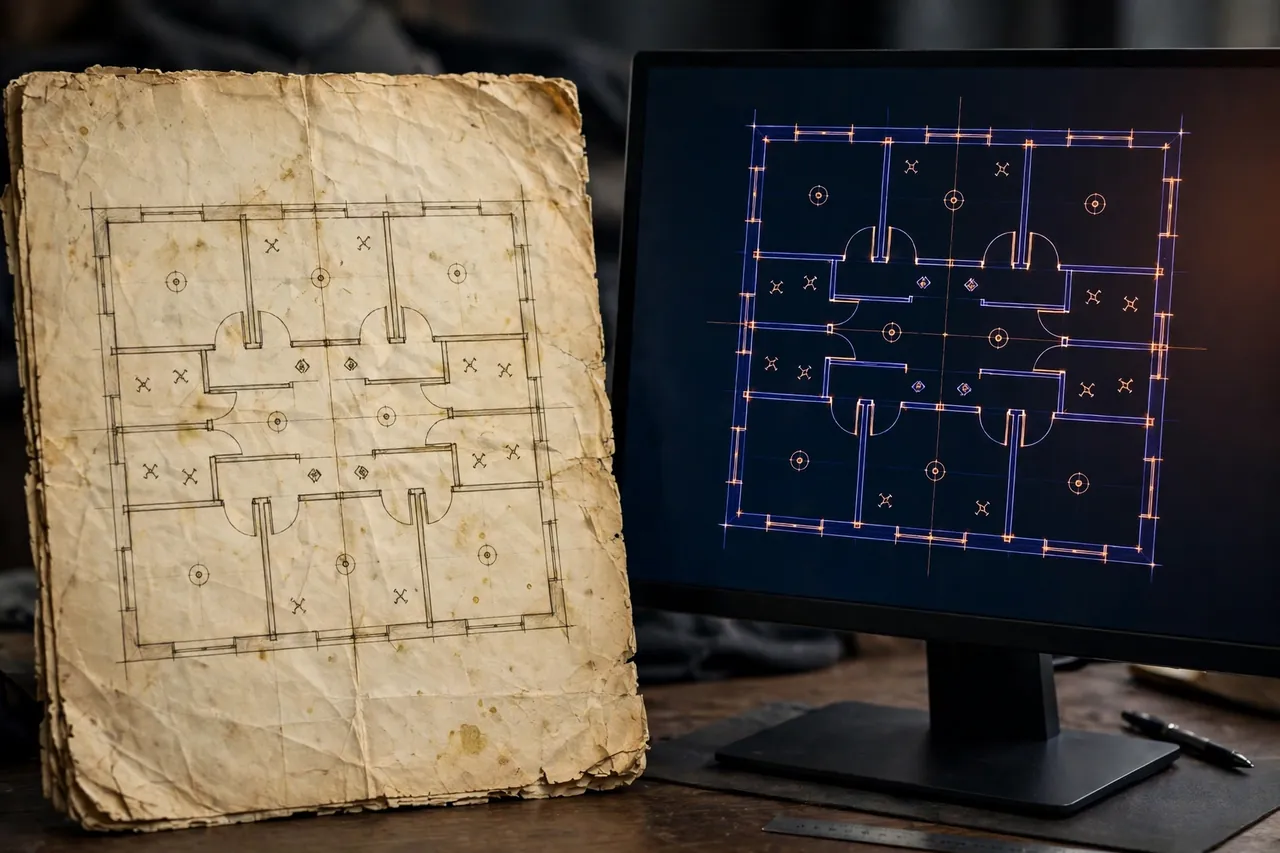
No job gets built exactly as drawn. A conduit run moves to dodge a beam. A panel lands on a different wall. The specified fixture is swapped for an approved equal, and three receptacles shift during trim-out. Each change is small. Together, they mean the issued plan set no longer describes the building. As-built drawings close that gap: they are the corrected set that shows the work as installed, verified by the people who installed it.
For the electrical contractor, as-builts are both a contract duty and a reputation item. A clean, complete closeout package gets the final payment released and makes the next job with that owner or general contractor easier to win. A messy one does the opposite, and it is usually messy for one reason: the markups were left until the end.
Redlines vs as-builts vs record drawings
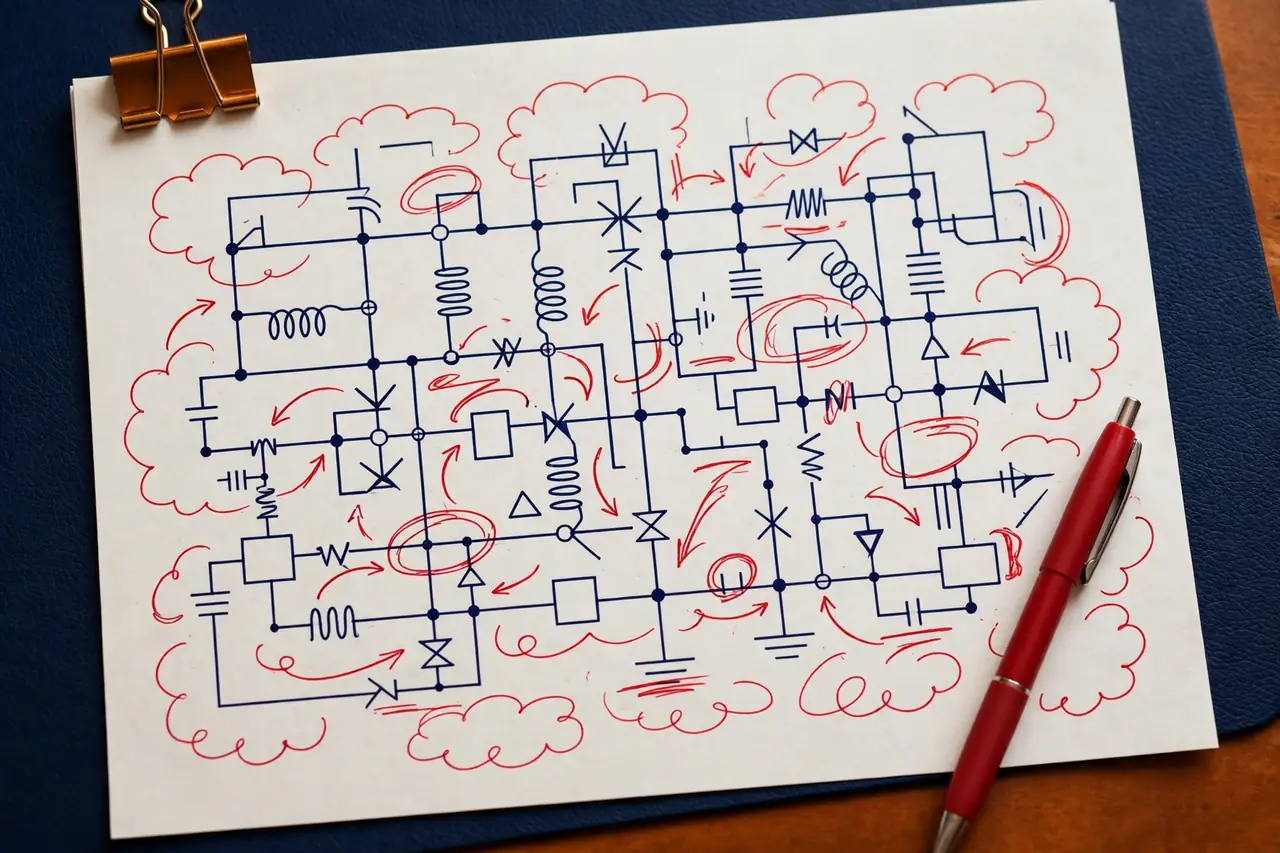
The three terms describe stages of the same record. Redlines are the working markups: the issued sheets, marked in red by the field crew as changes happen, with moved devices circled, new runs drawn in and notes added by hand or in Bluebeam Revu. As-builts are the drawings produced from those redlines, with every markup drafted into the CAD file so the geometry, labels and schedules show installed conditions. Record drawings are the final delivered set, often the as-builts cleaned, titled and archived as the owner's permanent record. In daily talk the last two terms blur together, and many contracts use them as one deliverable: a clean final set built from honest field markups.
What matters is the chain. If the redlines are weak, the as-builts inherit every gap. If the redlines are clear and current, turning them into clean CAD is fast, mechanical work that a drafting bench can finish overnight.
What field crews should mark
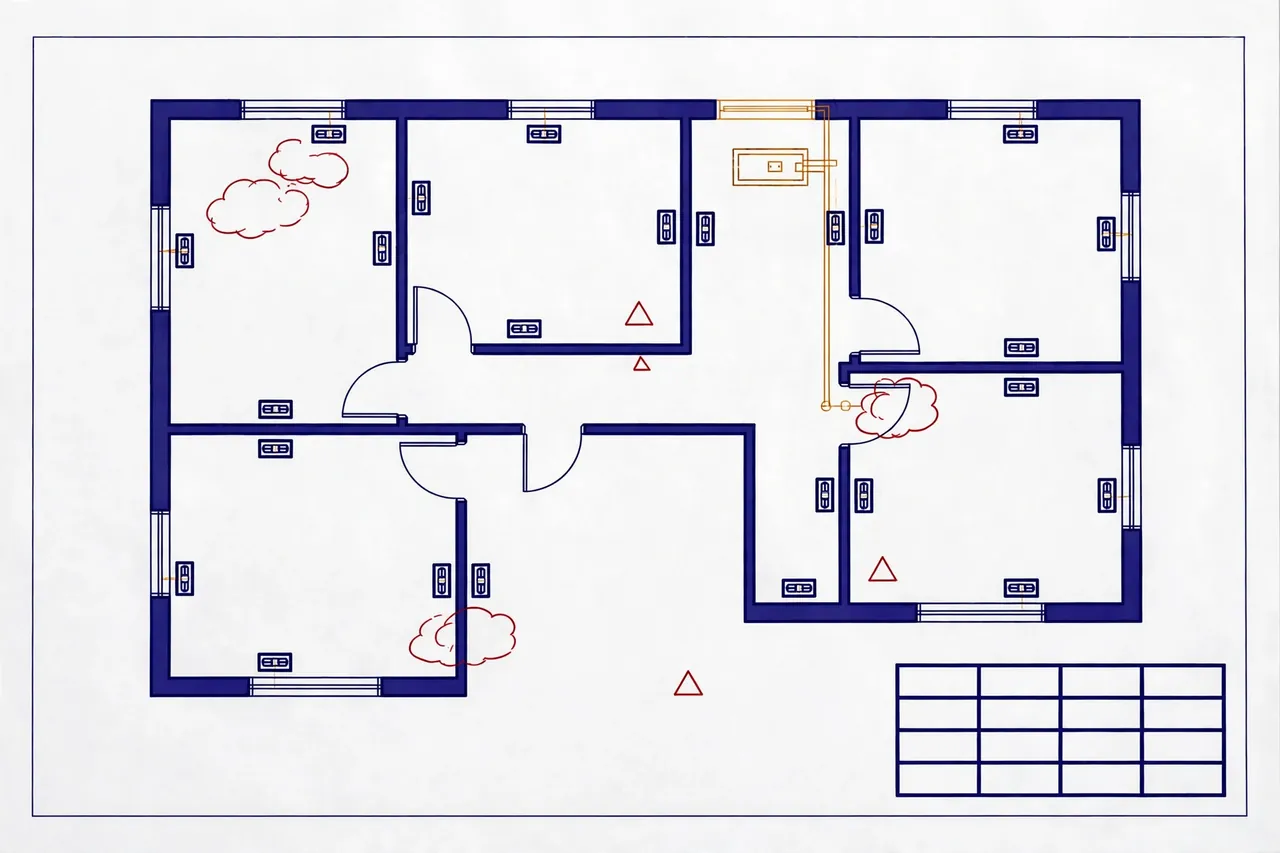
Good markups follow one rule: mark what changed, where it changed, and what it changed to. In practice, crews should record moved, added or deleted devices with their new locations dimensioned or clearly tied to walls and grids; rerouted conduit and feeders, including size changes; equipment swaps with the installed make and model, not just the specified one; panel and circuit changes, so schedules match the breakers as labeled in the field; and underground or in-slab work before it is covered, since that is the one chance to capture it. Dates and initials on each markup help later, when two versions of a sheet disagree and someone has to decide which one the crew verified last.
Equally useful is what crews should not do: do not mark guesses, do not leave a change as "field verify" without a note of what to verify, and do not let markups pile up on one person's tablet or paper set where no one else can see them. A shared redline set, updated weekly, beats a perfect memory in the last week of the job.
How markups become clean CAD
The conversion step is careful transcription, not creative work. The drafter opens the issued CAD files, applies each redline to the right layer, updates the affected schedules and diagrams to match (a moved panel changes the schedule, the single-line diagram and the circuit directory, not just the floor plan), and flags any markup that cannot be read or that conflicts with another sheet. Questions go back as one clear list, not a drip of messages. The finished package is a plotted PDF set plus the native DWG files, in the client's title block, ready to hand to the general contractor or owner.
At VoltDraft, as-builts and redline revisions start from $45 per sheet, quoted as a fixed price once we see the markup count. Send redline batches in the evening and the clean sheets come back the next morning, which makes a weekly rhythm easy to keep even on fast jobs.
Why owners and GCs ask for them at closeout
Owners think past opening day. The first time a breaker trips in year two, a tenant fit-out starts, or a charger gets added to the parking lot, the maintenance team opens the record set to learn what is in the walls. Accurate as-builts cut the cost of every one of those jobs: no exploratory demolition, no mystery circuits, no panel schedule that lies. General contractors ask for them because their contracts with owners require a complete closeout package, and the electrical set is often the last piece holding up final payment and retainage release.
There is also a risk side. If a future contractor relies on a plan set that was never corrected, and the installed work differs from it, the dispute quickly looks for who failed to deliver the record. Contractors who hand over clean as-builts on time protect themselves and stand out from competitors who treat closeout as an afterthought. That is a cheap edge to hold, and it starts with one habit: mark it when you build it.
Keeping as-builts current on long jobs
On a job that runs for months, the as-built habit matters more than the as-built tool. The crews that close out cleanly treat markups as part of the install, not as paperwork for the end. A foreman spends ten minutes at the end of a rough-in day marking what went in. The redline set lives in one shared place, paper or tablet, and gets sent to the office or the drafting bench on a fixed day each week. Changes are then drafted into CAD while the work is still open and easy to check, so errors surface when the crew can still walk the space and confirm them.
Compare that with the common pattern: markups saved for the last two weeks, drawn from memory and old photos, by a crew that has already moved to the next site. Locations get approximate. Swaps get missed. The closeout package goes out late, the general contractor sends it back with questions, and the contractor pays twice for the same record, once in drafting hours and once in delayed payment. The work itself takes the same ten minutes either way. The only difference is when those minutes happen.
Digital redlines, photos and backups
Tablet markups in tools such as Bluebeam Revu have made redlines easier to share and harder to lose, and phone photos have become a useful backup record. A dated photo of an open wall, a panel interior or an underground run, tied to the sheet it belongs to, settles questions that a hand sketch cannot. Photos do not replace markups, since a photo rarely shows circuit numbers or exact locations, but as a cross-check they are hard to beat. Keep three things together in the project folder: the issued set, the current redline set and the photo record. When all three agree, the clean CAD that comes out of them can be trusted, and closeout becomes a delivery, not a debate.
A simple standard to work to
If your team wants one rule for as-builts, use this one: a stranger with the final set should be able to find every panel, trace every feeder and identify every device as installed, without calling the crew that built it. Test the closeout package against that rule before it goes out. Open the panel schedule and pick three circuits at random. Can each one be followed on the plans to the devices it feeds, at the locations shown? Do the equipment names on the single-line diagram match the gear that was actually set? If the answer is yes on a random sample, the set is ready. If not, the markups still have gaps, and it is cheaper to close them now than in the punch-list meeting.
Frequently asked questions
Are as-built drawings the same as record drawings?
They overlap, and many teams use the terms loosely. In strict use, as-builts are the contractor's marked-up set showing what was installed, while record drawings are the clean, final set prepared from those markups for the owner. We deliver clean CAD as-builts that serve as the record set at closeout.
Who is responsible for the accuracy of as-builts?
The field team owns the facts: only the crew on site knows where a run actually went. VoltDraft transfers markups into clean CAD faithfully and flags anything unclear instead of guessing. Final accuracy always rests on the quality and completeness of the markups your crew provides.
When should as-builts be updated during a project?
As work is installed, not at the end. Mark each change the week it happens, while the crew still remembers it, and send redline batches on a steady rhythm. End-of-project reconstruction from memory is slow, error-prone and the main reason closeout files arrive late and incomplete.
Redlines piling up? Send a batch tonight.
As-builts and redline revisions from $45 per sheet, fixed quote first, clean CAD back by morning.
As-Builts & Redlines Service Get a Fixed Quote on WhatsApp